All you need to know about the European Accessibility Act, also known as EAA
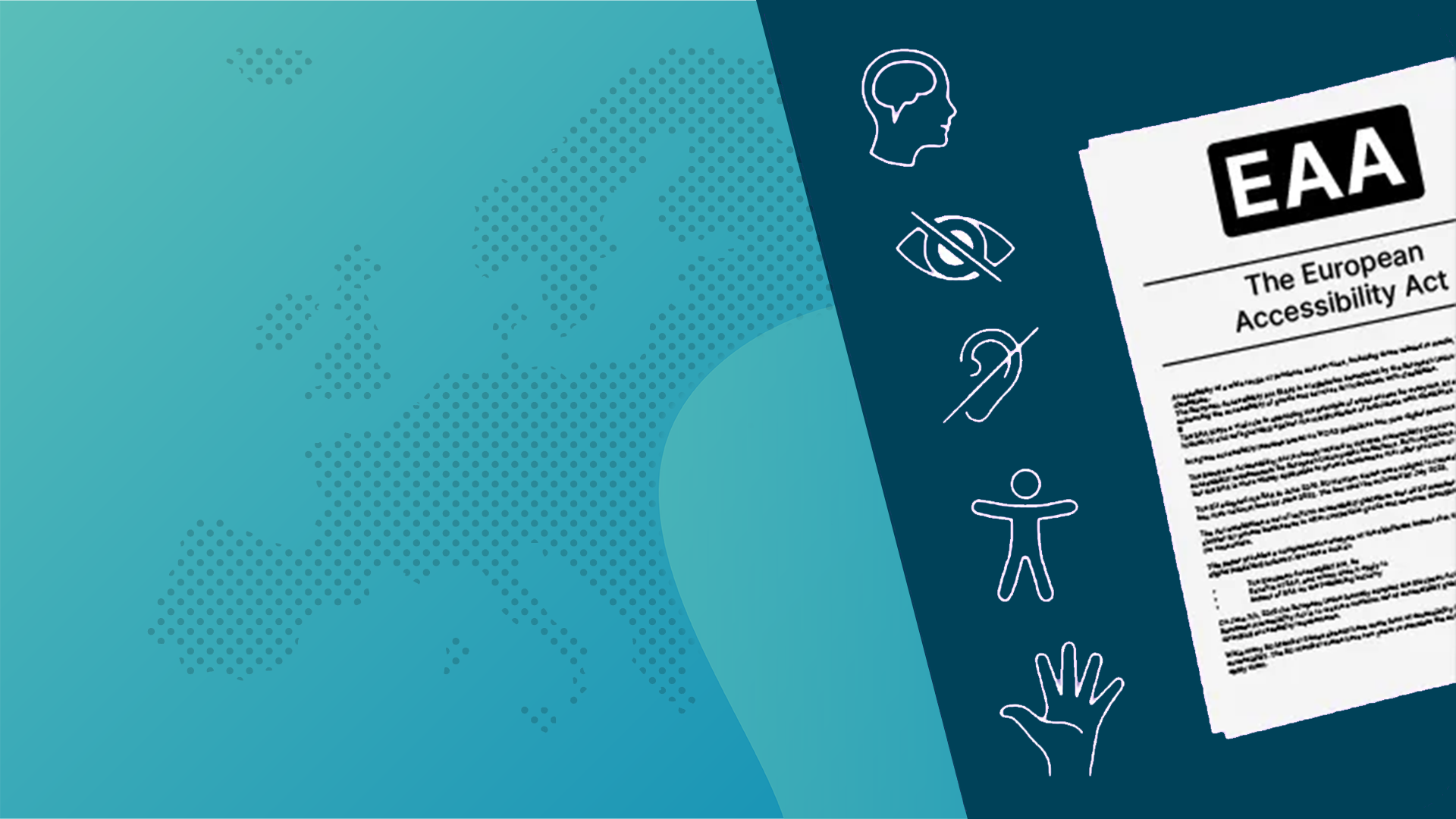
What is the EAA?
The EAA stands for the European Accessibility Act. It's actually not something completely new, as its foundation dates back to 2015 and it was adopted in June 2019. This "new" law aims to make the internet accessible to everyone, with a particular focus on people with disabilities.
The EAA is a European law, which will be mandatory for many businesses from June 28, 2025 (this year). These businesses include e-commerce websites, government websites, and, in my opinion, definitely also careersites.
What barriers can someone encounter when applying for a job?
When visiting a website to look for a new job or to apply, it is possible that someone could encounter a barrier on your website and be unable to apply. What types of barriers can we identify?
- Visual impairment: This includes people with poor vision or blindness, as well as colour blindness or issues with contrast and colour recognition.
- Hearing impairment: For example, people who are deaf or hard of hearing may struggle to understand or follow audio content without subtitles or transcripts.
- Motor impairment: Individuals who have difficulty using a mouse or keyboard, clicking small buttons or links, or using the scroll function.
- Cognitive or learning impairment: People who struggle with processing complex information, maintaining focus and attention, or have learning disabilities such as dyslexia.
- Speech impairment: Problems with verbal communication.
Does everyone have to comply with the European Accessibility Act?
No. There are some exceptions. For example, if your business has fewer than 10 employees and an annual turnover of less than 2 million euros, the law doesn’t apply to you. There is also an exemption for businesses that are business-to-business (B2B) as long as the products are not used by consumers. If fundamental changes are needed to your product or service in order to comply (even if it means restructuring your organisation), you may also be exempt.
There is another tricky exception, which I think is difficult to prove, but if the effort required to comply is disproportionately large in relation to your target audience, you may qualify for an exemption. Lastly, it doesn't apply to certain types of digital content, such as pre-recorded or time-based media like webinars or office files such as Word or Excel, as well as third-party content (content you haven’t created yourself).

Do I need to have everything sorted by June 2025?
It would be great if the entire internet suddenly complied with all the requirements from June this year, but of course, that’s not feasible. However, it’s certainly an admirable goal. From the articles I’ve read online, I see warnings that the government will indeed enforce this, and penalties may be imposed. However, I haven’t seen any information about the specific amounts of fines. What you must do at the very least is create an action plan and draft an accessibility statement. In an accessibility statement, you explain how you meet the accessibility requirements, what steps you are taking, and how people can contact you if something is not working.
What is the difference between the EAA and the WCAG?
The main difference is that the EAA is an actual law, which goes far beyond just the internet, while the WCAG guidelines are specifically for online content. WCAG stands for Web Content Accessibility Guidelines, and as the name suggests, they are guidelines. However, they are often mentioned together because if you meet WCAG level AA, you will also comply with the EAA. In essence, the WCAG serves as a tool to help you comply with the EAA.
Are there any benefits to the EAA?
You might initially think that the government has come up with something to generate more revenue, but if you think about it, that’s not the case. It’s actually helping you reach 4 million more people. Think about it—someone who struggles with a form but can easily make a phone call. Wouldn’t they be well-suited for a telephone helpdesk or call centre role? You’re not going to reach them if, for example, they can’t contact you via WhatsApp or if your website doesn’t have a "call me back" button. Or someone with a cognitive impairment who may not understand the advanced language used in your job postings or the complex structure of your website, but could be the best street worker available in your area. You really have to ask yourself: why wouldn’t you do it?
Is it difficult to comply with the EAA?
I can tell you with certainty that it’s not just a matter of ticking a box somewhere in the code. It’s about the technology behind your website and the design of your site. Adjusting it so there are buttons to improve contrast, increase text size, etc. will require work from your web developer. Adding things like a read-speaker feature is something that needs to be implemented too.
However, there are also things you can do yourself that will make a big difference. For example, adding subtitles to your company video so that someone with hearing impairment can fully understand your message. Or adding proper alt text to your images. Instead of stuffing them with keywords, describe what’s in the image so assistive tools can read it aloud.
So, what’s next?
Well, now it’s time to get started! At the very least, put it in your agenda, discuss it with your colleagues, and raise it at your management team meeting. That’s what this article is really for: making sure this topic gets on the agenda and that people start taking action. Because, let’s be honest, I’ve checked out a lot of government careersites, and many of them are still far from ready.
And if you need help or want to know more, feel free to contact us. We’re happy to assist you in making your careersite EAA-compliant.