Secure login in Serena: choose SSO, 2FA or both
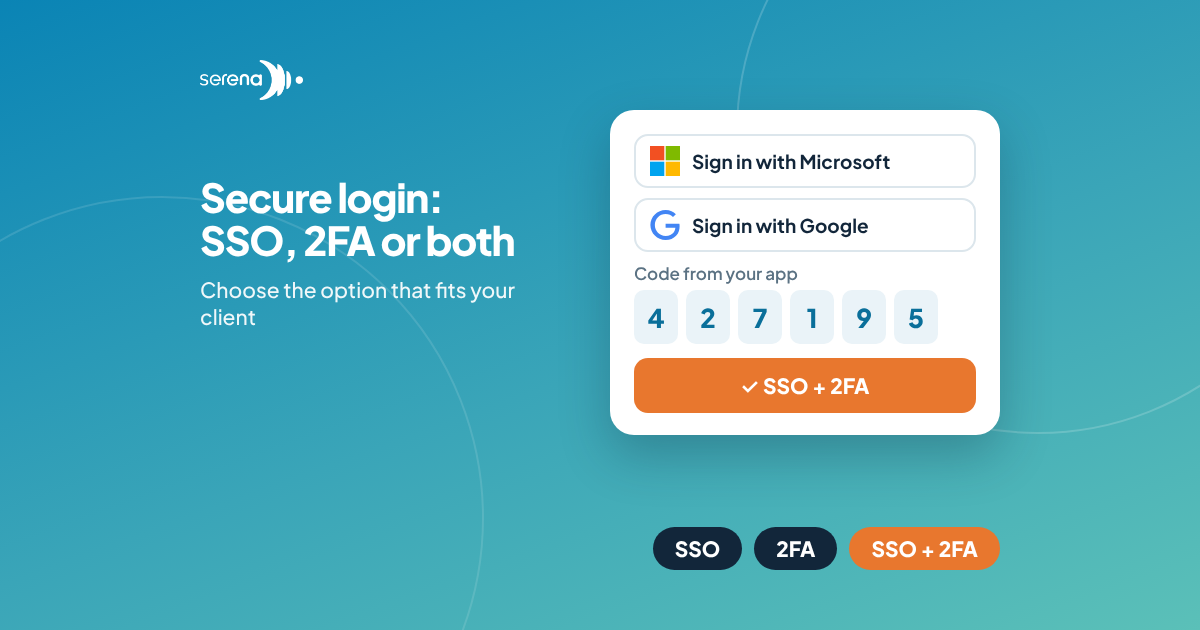
Your client sends recruiters and marketers to the CMS of their careers site every day. If they have to remember yet another password, IT and security will rightly ask questions. Serena solves that. You choose what fits your client. Option 1 is SSO: people sign in with the account their organisation already uses, such as Microsoft 365 or Google Workspace. Option 2 is 2FA: a second check with a code from an app. Option 3 is both, for those who want the highest level of security. Our customer success team sets up the chosen option for your client, including a custom setup.
Why secure login is a selling point
A careers site is a public place with a private back end. It holds vacancies, candidate data and content that goes live under the name of a major brand. Security officers therefore ask in every tender how people sign in. If you can answer straight away with SSO, 2FA or both, you win time and trust. All organisations in our case studies work with Serena and have the options for SSO, 2FA or both at their disposal. The platform is ISO 27001 certified and EU hosted, and secure login completes that chain.
Three options: SSO, 2FA or both
- Option 1, SSO: sign in with the company account from Microsoft, Google or their own provider, without a separate Serena password. Fits organisations that want central management and ease of use.
- Option 2, 2FA: sign in with a Serena password and a second check, for example a code from an authenticator app. Fits organisations without their own provider that still want extra security.
- Option 3, SSO and 2FA: sign in via the login provider, which enforces 2FA before anyone reaches Serena. Fits organisations with strict security requirements, such as banks, healthcare and government.
SSO and 2FA: two solutions for two problems
- SSO – what do I sign in with? One account gives access to several applications. Goal: ease of use and central management. Example in Serena: sign in with your Microsoft 365 account, without a separate Serena password.
- 2FA – is it really you? A second verification layer on top of the password. Goal: extra security and identity verification. Example in Serena: after your password, enter a six-digit code from an authenticator app.
Your client does not have to choose between the two. They do not exclude each other and they strengthen each other. When you sign in via SSO, for example with Entra ID, the login provider often enforces 2FA right away before anyone reaches Serena. One click for the user and two layers of security.
Option 1: SSO, choose your client's provider
Serena supports SSO through OAuth 2.0 and OpenID Connect. These providers are ready:
- Microsoft Azure AD / Entra ID: for organisations with Microsoft 365. Set up with Tenant ID, Client ID and Client Secret.
- Google Workspace: for organisations that use Google for email and identity, with an OAuth Client ID and Secret.
- PingFederate: for larger organisations with their own Ping Identity infrastructure.
Management and configuration run through Admin, Settings, Single Sign-On. You then assign roles and permissions inside Serena based on the matched email address. Your client stays in control of who may do what, without separate passwords.
Does your client use another provider?
Then a custom setup is possible, tailored to your client. That includes SAML 2.0: it can be done, but it is custom work and not the standard. Costs and conditions for a custom setup are available from Serena or one of our technology partners. We always look at the provider and your client's wishes.
Option 2: 2FA, a second check on top of the password
2FA combines two of these factors: something you know, something you have and something you are. In Serena, 2FA works directly with an authenticator app. The app generates a new six-digit code every 30 seconds. These apps work with it:
- Google Authenticator
- Microsoft Authenticator
- Authy
- 1Password
When sign-in runs through SSO, your client's provider can enforce 2FA itself. Whether 2FA is mandatory is a preference of your client.
What does it give your client?
- IT: central management of who has access.
- Security: 2FA fits the security policy and can be shown in audits and security questionnaires.
- Recruiters and marketers: one login, a faster start and no more password resets.
- Procurement: a ready answer to the question of how people sign in securely.
We set it up for your client
You do not have to work this out yourself. Our customer success team is happy to help you get SSO, 2FA or both ready for your client. This is how it usually goes:
- Intake: which provider does your client use and which users need access?
- Your client provides the connection details, for Microsoft that is Tenant ID, Client ID and Client Secret.
- We configure the connection in Serena under Admin, Settings, Single Sign-On.
- Testing with a pilot group and assigning roles based on email address.
- Live, with SSO, 2FA or both, as your client chose.
The setup for Google and Azure can in principle be delivered within a day, and the connection itself takes a few minutes. Lead time depends on the speed and capacity of your client or their IT supplier, and the current lead time is always available from us.
Do you work as a partner? Then we include this in the delivery straight away. You find an overview of all implementation partners on one page. Comparing platforms? Read Serena or WordPress and the blog on careers sites in the technical sector.
Frequently asked questions
Does my client have to use both?
No. SSO, 2FA and both are three separate options. Your client chooses what fits its security policy.
What is the difference between SSO and 2FA?
SSO decides what you sign in with, using one central account. 2FA adds a second check to prove it is really you. Together they give convenience and security.
Which SSO providers are ready in Serena?
Microsoft Azure AD / Entra ID, Google Workspace and PingFederate, through OAuth 2.0 and OpenID Connect.
Can my client use another provider?
Yes, through a custom setup. SAML 2.0 is possible too, as custom work. Customer success will help.
How do users get their permissions?
You assign roles and permissions in Serena based on the matched email address.
Who helps with the setup?
Our customer success team. We set up the chosen option with you and your client.
Ready to let your client sign in securely?
Book a demo or contact our customer success team. We show how SSO, 2FA and the combination work in Serena and set the chosen option up live for your client. Also see the possibilities of Serena CMS.